

⚙️ Prerequisites
Before you begin, make sure you have:- A Shopify store (any plan)
- Access to your Shopify admin panel
- Enable Custom app development (if first time)
🔧 Step 1: Enable Custom App Development
To begin, allow custom app development for your store.- Log in to your Shopify admin panel
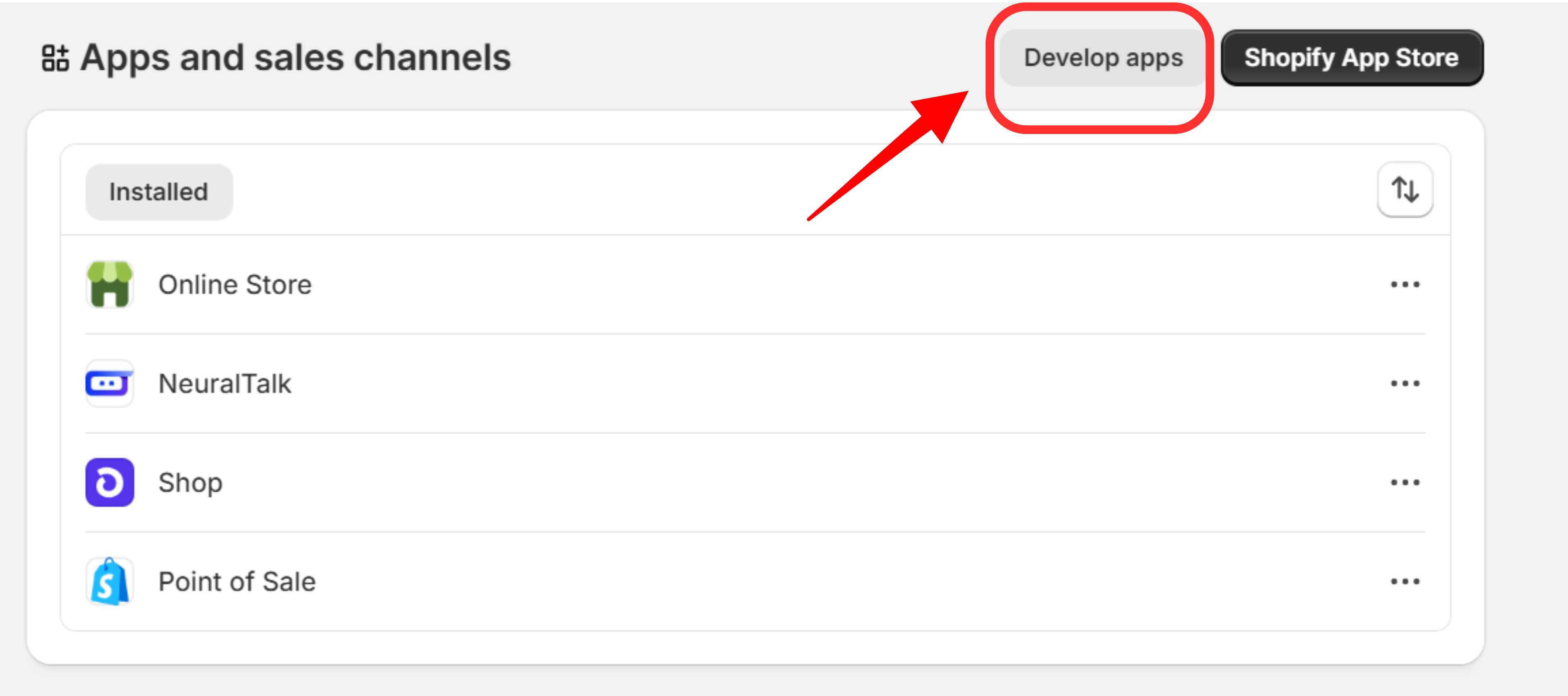
- In the left sidebar, click on Settings
- Under Settings, select Apps and sales channels
-
Click on Develop apps at the top-right corner of the page.
🧩 Step 2: Create a Custom App
Once custom app development is enabled:- Click Create an app and give it a suitable name
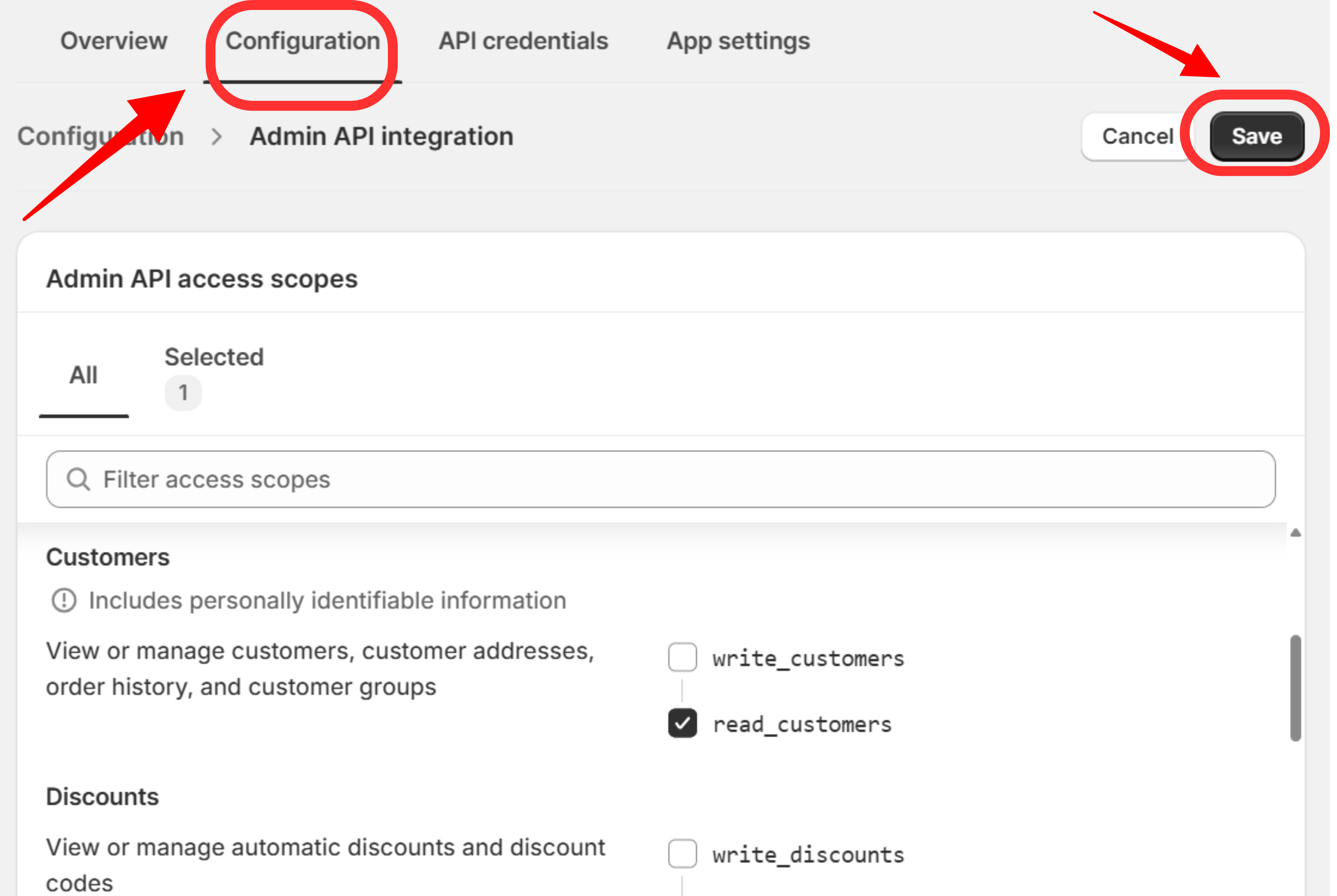
- Go to the Configuration tab
-
Under Admin API integration, choose the required API scopes
- Examples: read_products, write_orders, read_customers, read_product_listings, read_product_feeds, read_orders, read_payment_terms
-
Click Save to apply your settings
🔐 Step 3: Generate Your Admin API Access Token
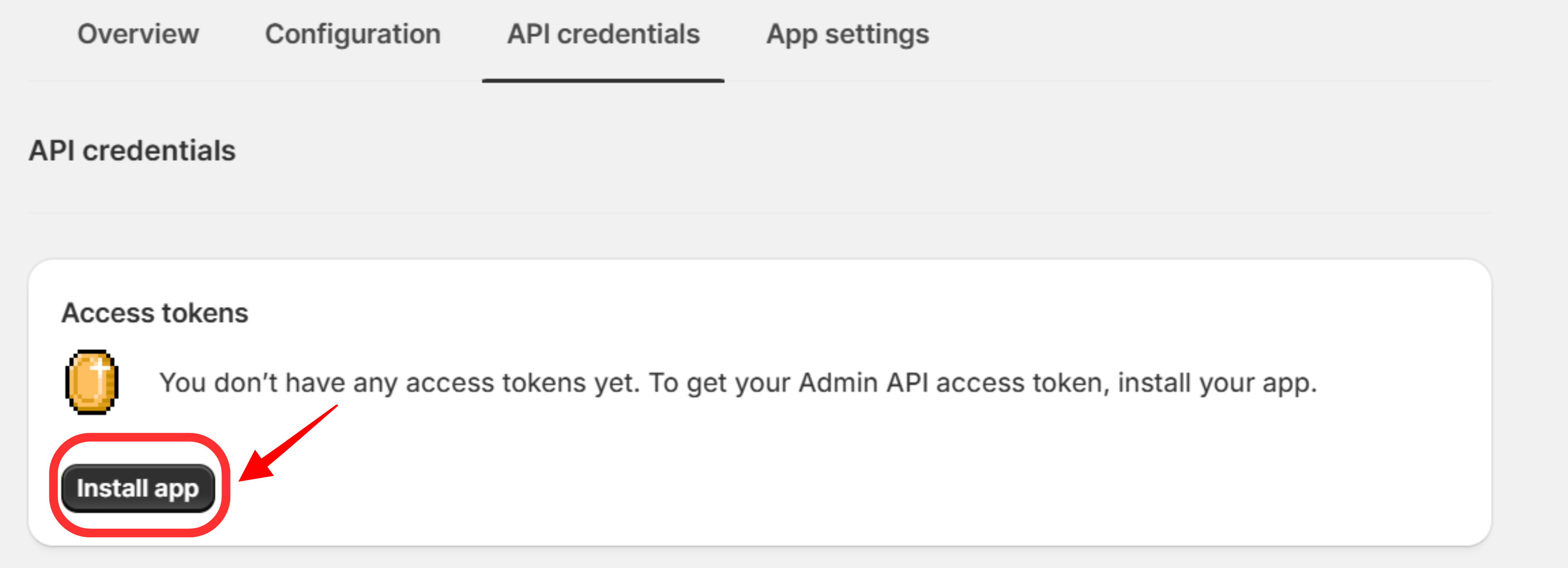
- Navigate to the API credentials tab
- Click Install app to activate it for your store
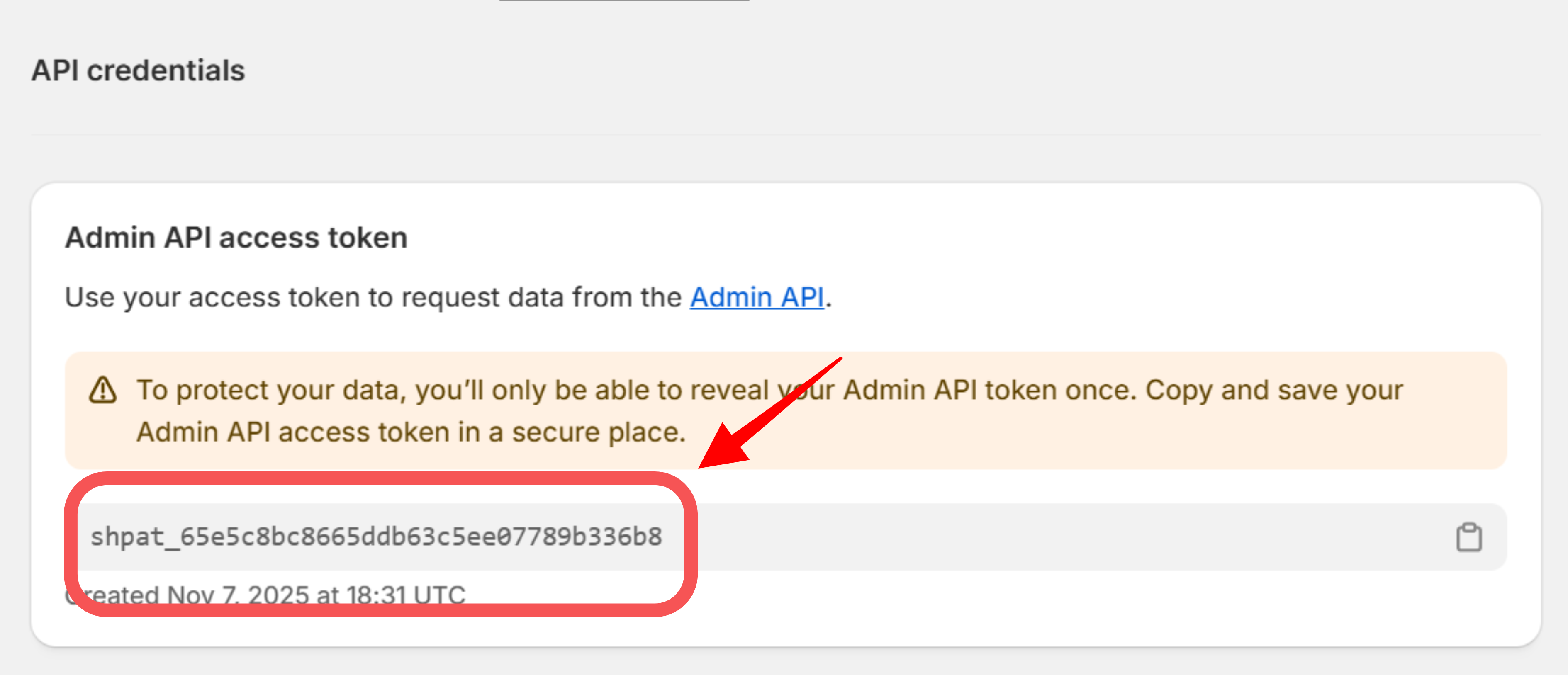
- After installation, your Admin API Access Token will appear
-
Copy and save it securely — it will only be visible once
🔗 Step 4: Connect Your Shopify Store to NeuralTalk
Once you’ve generated your Admin API Access Token, you can connect your Shopify store to your NeuralTalk dashboard.- Open your NeuralTalk Dashboard
- Navigate to Integrations → Shopify Integration
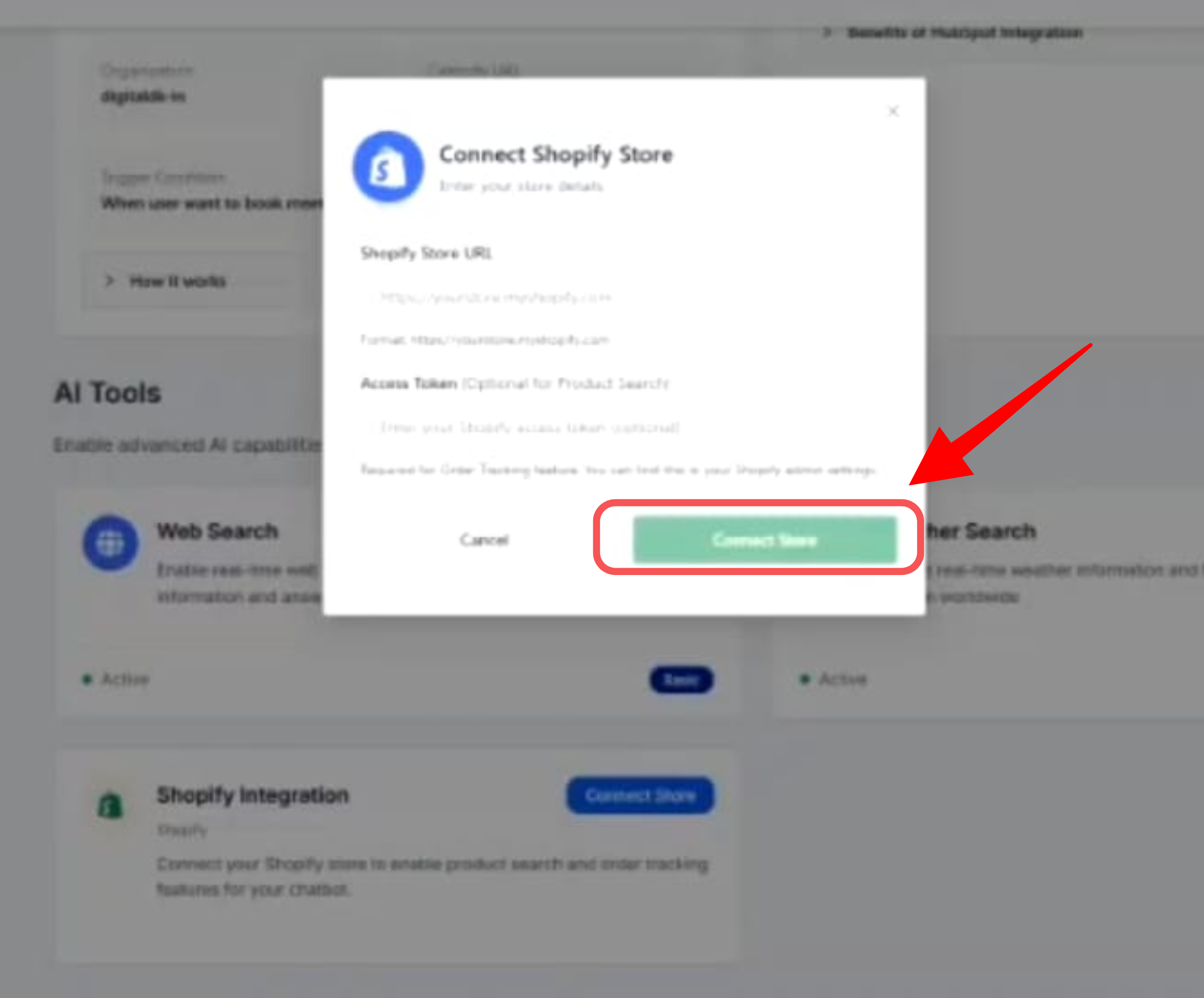
- Click Connect Store to open the connection popup
- In the popup window:
- Enter your Shopify Store URL
- Paste your Admin API Access Token into the Access Token field
- Click Connect Store to complete the integration
💡 Best Practices
- 🔒 Keep your token confidential – never expose it publicly or commit it to GitHub
- ⚙️ Use environment variables to store the token in your project safely
- 🎯 Grant minimal permissions – only select the scopes your app actually needs
- 🧾 Rotate tokens periodically for better security
🧰 Troubleshooting
Token Not Visible- Make sure the app is fully installed
- Ensure you have the necessary admin permissions
- Revisit the Configuration tab and verify selected API scopes
- Reinstall the app after updating permissions
🚀 Next Steps
Once you have your Admin API Access Token, you can:- Connect your store with third-party applications
- Automate product, order, and customer data sync
Need help with your Shopify integration? Contact our support team for personalized assistance. For quick resolution and community support, join our Discord community.