

Overview
The Custom Tools feature allows you to create and manage API-based tools that extend your chatbot’s functionality. With custom tools, your chatbot can interact with external services, fetch data from APIs, and perform advanced operations beyond built-in capabilities. This guide explains how to create a custom tool, manage existing tools, and choose the right creation method for your use case.Accessing Custom Tools
1
Open the Dashboard
- Log in to your NeuralTalk AI dashboard
- Select the chatbot you want to connect
- Navigate to Addons and Design from the main menu
- Click on Custom Tools
2
View Tools List
- The Custom Tools page displays all configured tools
- You can see the total number of tools and manage existing ones
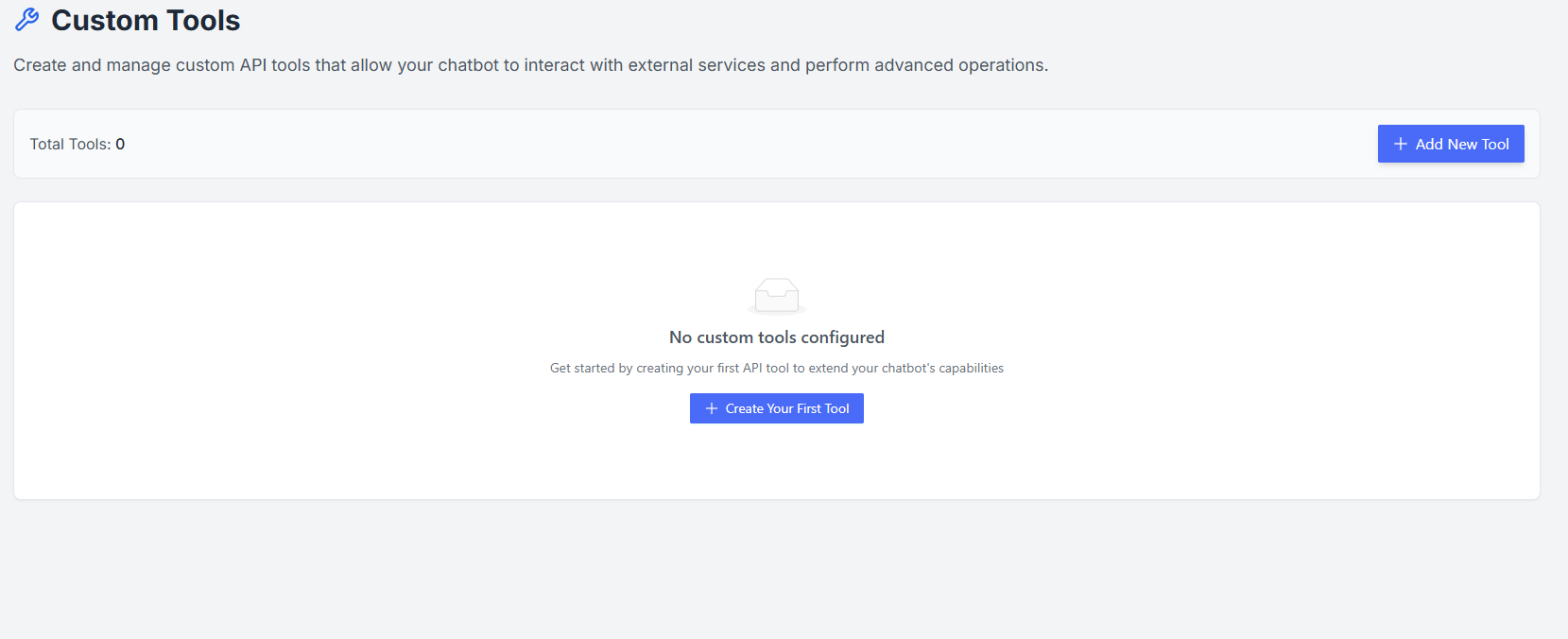
- If no tools are configured, the page will prompt you to create your first tool
Creating a New Custom Tool
Click Create New API Tool to start adding a custom tool. You can choose from three creation methods:-
Manual Filling
Fill out a form step by step with all API details including endpoint, parameters, headers, and authentication. -
cURL Parser
Paste your cURL command, and the system automatically extracts all API configuration details for you. -
AI Generation (Beta)
Describe your API in natural language, and AI will generate the tool configuration automatically.
Managing Tools
Once a tool is created:- A Edit button becomes available for editing and configuring the tool
- Tools can be disabled or deleted at any time without affecting other tools
- You can test your tool directly from the dashboard to ensure correct functionality
Best Practices
- Start by creating a single tool and testing it thoroughly
- Use AI Generation or cURL Parser for faster setup when available
- Keep your API keys and credentials secure
- Provide clear naming and descriptions for each tool to avoid confusion